Overview
The timing and graphics system consists of multiple components working together.
Hardware
Timing
Timing computer
On this device the timing is done, e.g. starting a heat, changing the times, printing and uploading results.
Timing device
This device provides accurate timing for impulses from the start box and timing buttons. When an impulse is received by this device, it communicates the exact time to the timing manager software on the timing computer. The timing device is connected to a Moxa nport over a serial connection. The Moxa nport converts this to a network signal. Another Moxa nport is used to send times to the displays.

In this image, A are the Moxa nport servers. B is the interface between the Timy and the displays / buttons. C is the timing device, an Alge Timy3, itself.
Start box
This device is responsible for the starting cadence. It plays an audio file, which triggers an impulse on the GO. This impulse is recorded by the timing device to start the time on displays and graphics. The flashlights also trigger. The impulse is triggered by a special high frequency sound in the starting cadence. Therefore, the system will only work if the starting cadence is played using the USB soundcard in the start box. It is not possible no connect an external audio source.
Connections
To the timing computer via USB
To the timing device using banana plugs.
To the flash lights using Amphenol plugs
To the sound system using XLR / jack plugs

Displays
Are used to display the times to the audience
Timer buttons
Stop the time for a stand to give a first unofficial time.
Sound system (supplied by the sound partner)
Complete sound setup, used to broadcast the starting cadence.
Graphics
Graphics server
The graphics server is a high power computer responsible for rendering the graphics. The graphics can be displayed on a standard computer monitor, but for broadcasting the SDI connectors on the Blackmagic PCIe card are used.
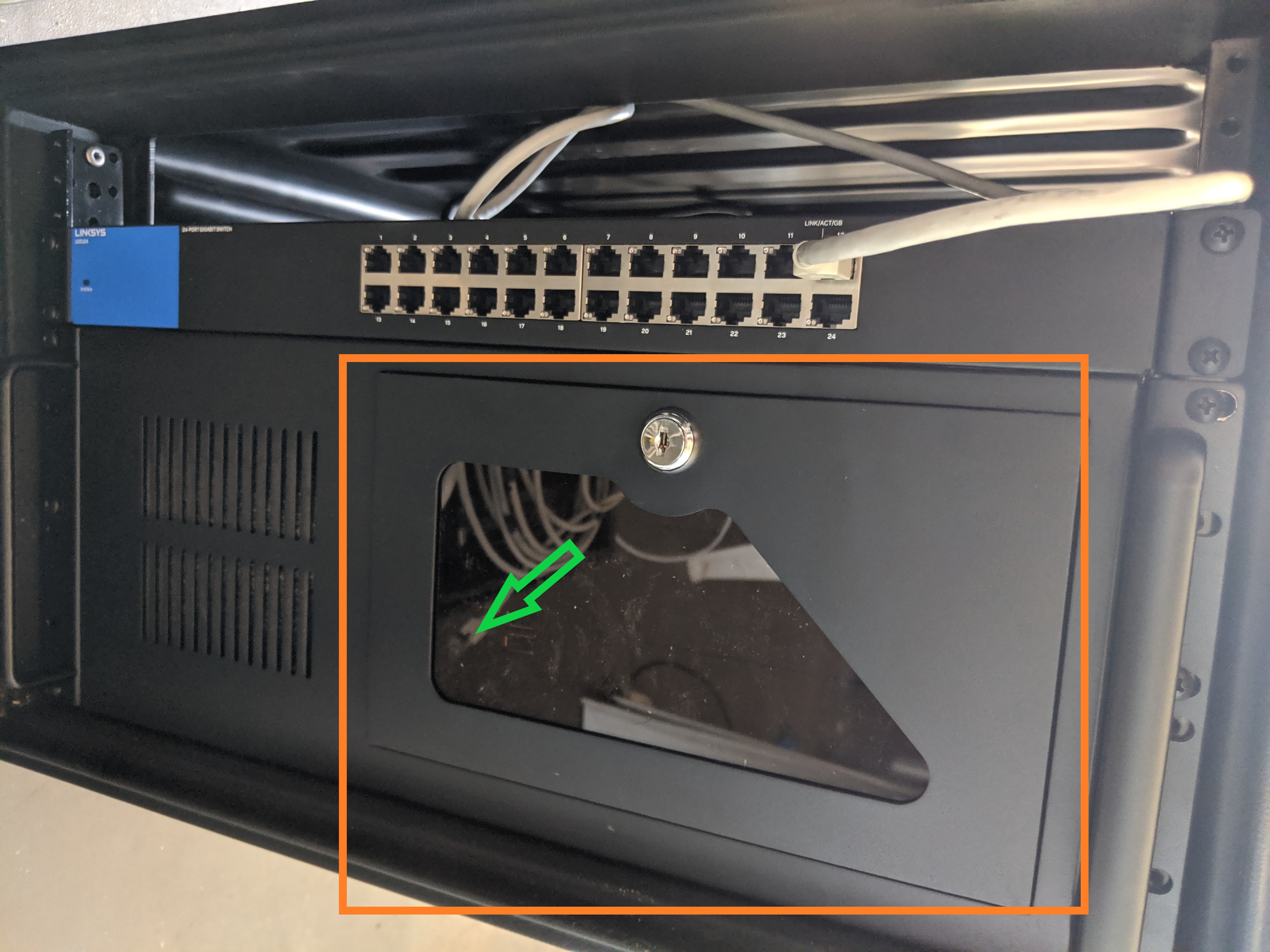
The on/off button is located behind the window, near the green arrow.
Video mixer (supplied by the video partner)
The graphics from the graphics server are transmitted to the video mixer, which can overlay the graphics on a video stream.
Software
Timing
The first set of programs is used to provide timing and results.
Timing manager
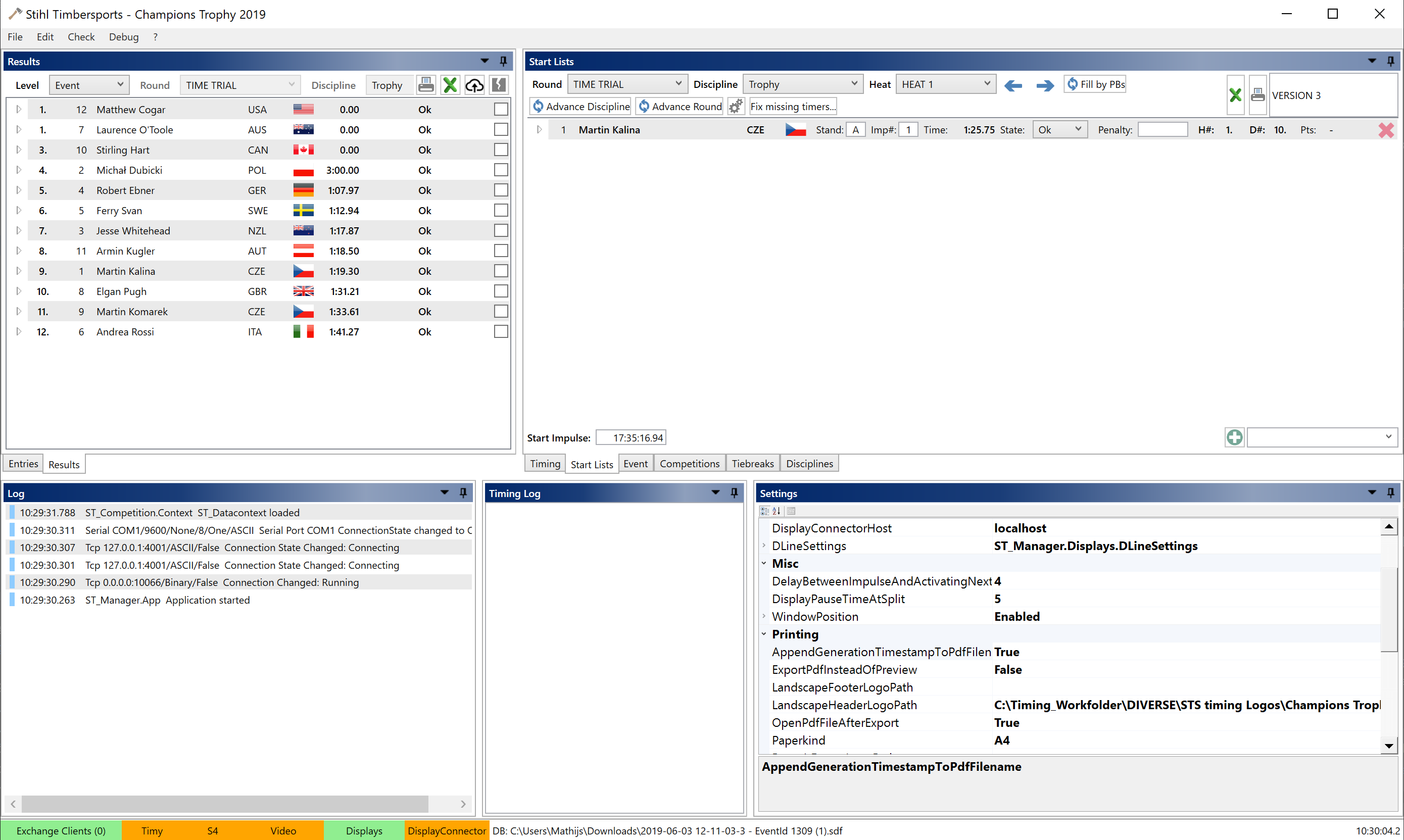
The timing manager is the heart of the timing operation. In this software, the competition structure is created, starting orders are set up, heats are started and the results are compiled.
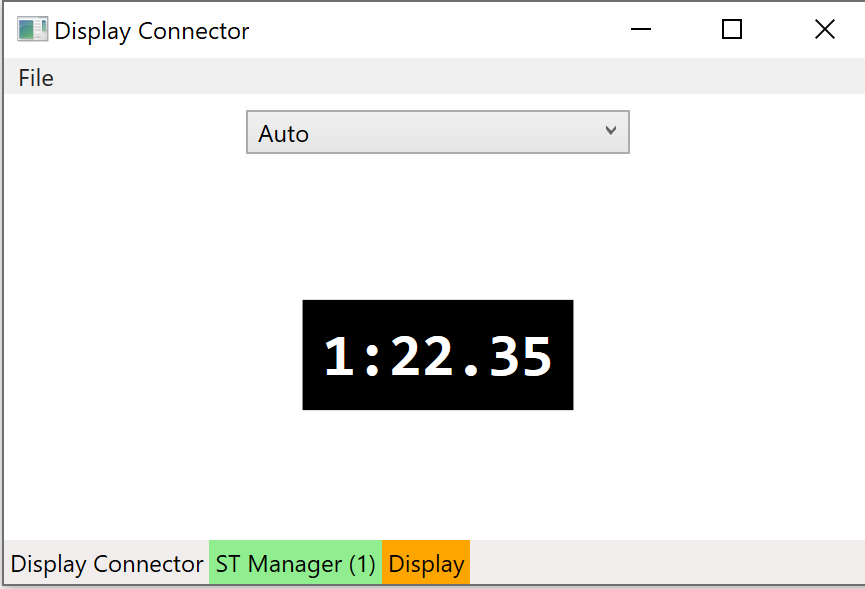
Display connector
The display connector is a separate piece of software connecting the displays to the timing manager. The timing manager sends signals to the display connector when a heat is started or stopped, the display connector converts this into the right signals to show the times on the displays.
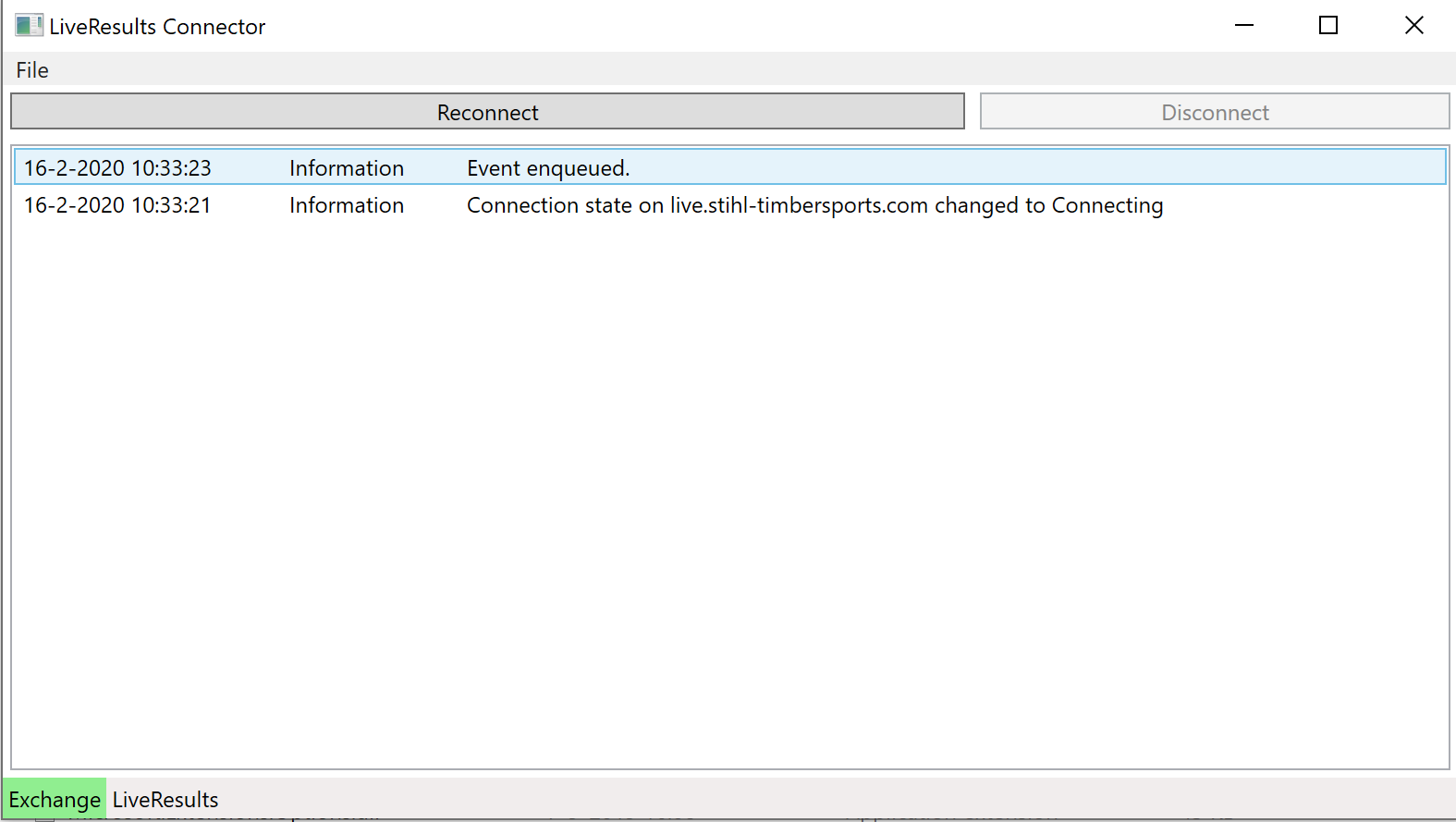
Liveresults connector
The liveresults connector is similar to the display connector. It converts signals from the timing manager and sends this to the Stihl Timbersports Liveresults server at https://live.stihl-timbersports.com/.
Graphics
The second set of programs plays out graphics to the livestream or LED wall. It communicates with the timing software to retrieve running times and results.
CasparCG Server
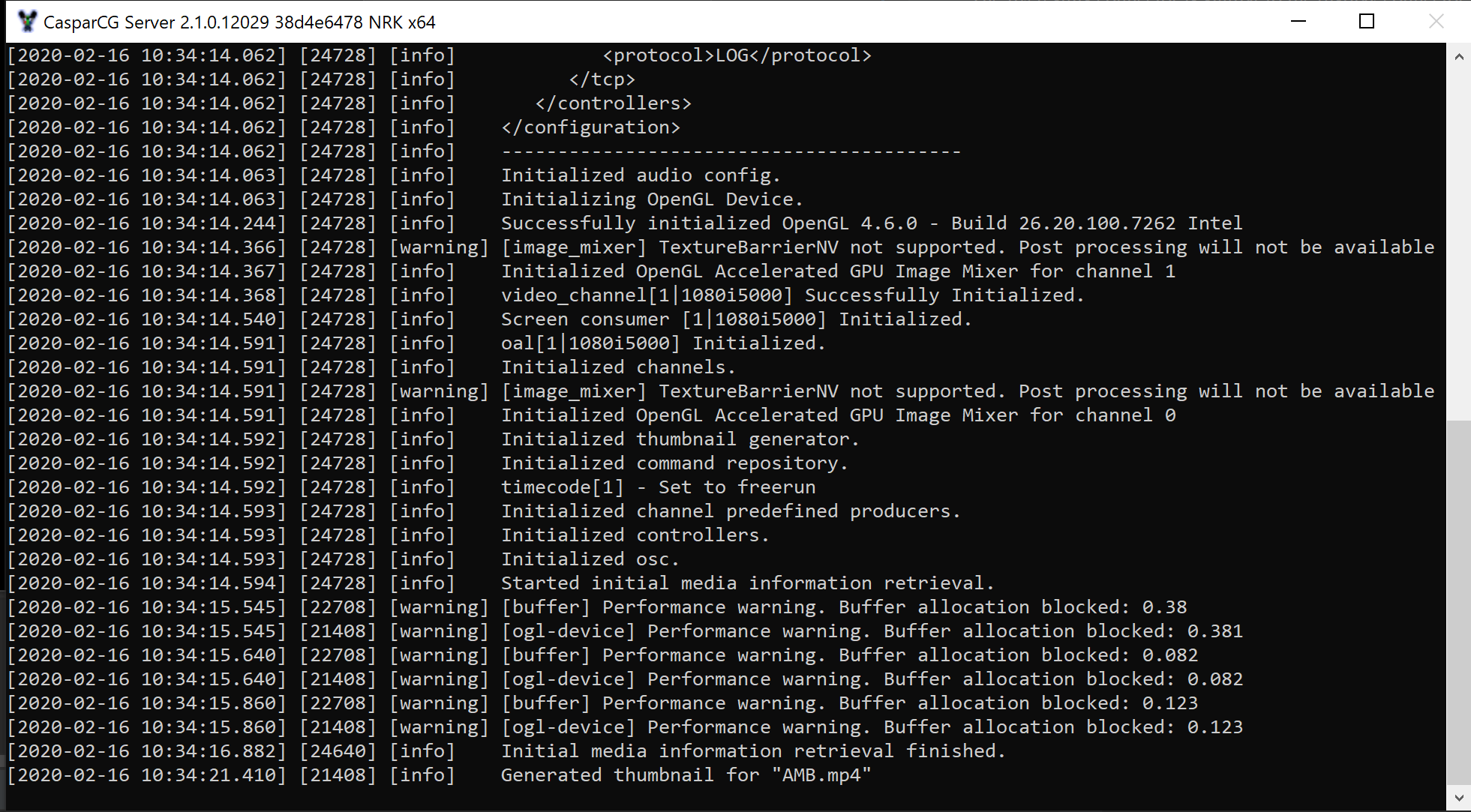
CasparCG is a graphics playout server. It retrieves commands from other software and plays the according graphics. These graphics can be played to multiple destinations, for STS competitions the most used output is a decklink card which is capable of transmitting broadcast quality graphics over SDI.
Graphics client
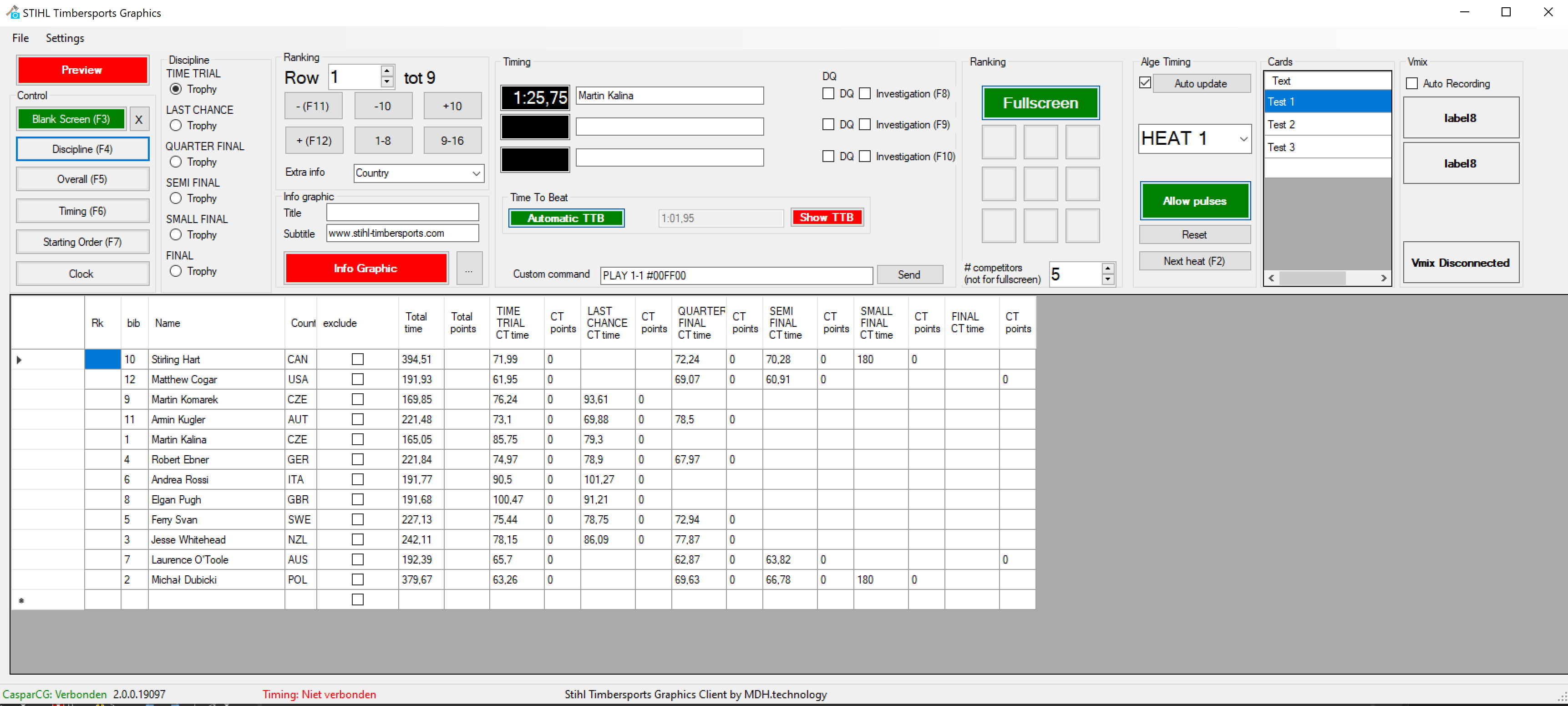
The graphics client send the CasparCG server the commands to display the graphics. It communicates with the timing software and timing device to provide starting orders, timing and results. Because of the communication with the Timing manager software, this software has to be run on the same computers. It does not have to run on the same computer as CasparCG Server, as they communicate over the network.
Directory Structure
A standard directory structure is used to store all software components:
STS-software
├── casparcg-server                             CasparCG Server
│   ├── casparcg.config                              The CasparCG configuration file
│   └── casparcg.exe                                 The program to run
├── sts-graphics-client                         Graphics client
│   └── STS-graphics-client.exe                      The program to run
├── sts-timing-display-connector                Display connector
│   └── StihlTimbersportsDisplayConnector.exe        The program to run
├── sts-timing-liveresults-connector            Liveresults connector
│   └── StihlTimbersportsLiveResultsConnector        The program to run
├── sts-timing-manager                          Timing manager
│   └── ST_Manager.exe                               The program to run
└── images                                      Default images for prints (headers / footers)