After the competition
Datahub
After the competition, the files can be uploaded to the Datahub by pressing the Cloud icon in results.

Pressing this button uploads all results, it does not have to be done per discipline.
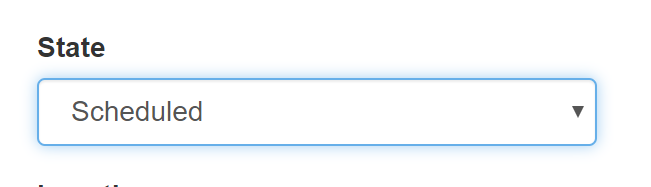
Note: When the system returns an error, check if the state of the event on the datahub is set to Scheduled or InProgress. The system cannot upload results to events with a state of OfficialResults or UnofficialResults. Also, check if the Datahub Event Id matches the Event id on the Datahub.
Also upload the timing database .sdf file to the datahub, together with the overall results .pdf.
PDF Files
Results for the individual disciplines and the overall results are saved to .pdf files. To save a file to pdf, open the print preview for the desired page. Then, in the toolbar, click the .pdf icon. The naming for these files corresponds to the naming as defined in File naming.
File naming
%COUNTRY%_%PLACE%_%YEAR%_%LEVEL%_%COMPETITION%_%DESCRIPTION%.pdf
These filenames contain no spaces.
%COUNTRY% is the host nation IOC country code .
%PLACE% is the host city full name, spaced are substituted by underscores (_).
%YEAR% is the year the competition finishes.
%LEVEL% is a value from the following table:
Level |
Code |
|---|---|
Rookies |
R |
Intermediate |
I |
Women |
W |
Pro |
P |
Team (Pro) |
PT |
%COMPETITION% is a value from the following table:
Competition type |
Code |
|---|---|
Cup |
C |
Qualification |
Q |
National Championship |
NC |
World Championship |
WC |
Trophy |
T |
European Trophy |
ET |
World Trophy |
WT |
World Trophy Qualifier |
WTQ |
%Description% is one of the following:
Database (for the .sdf timing database file)
Results (for individual overall results, trophy bracket or team bracket)
Springboard
Stocksaw
Standingblock
Singlebuck
Underhand
Hotsaw
Bestaxeman
Bestsawman